For work. And for you.
Worksite photos, conversations with colleagues, memories as a couple: one phone can hold several parts of your life. Give your personal content a space of its own in Écrin.

Écrin · By OS Studio
Your photos, videos, documents and notes, together in a protected space. Enjoy finding everything again. Choose what you share.
Inside Écrin
Three spaces for your content. One familiar way to organise it.
1 / 4 · Albums
Albums
Bring photos and videos together in albums, find your favourites and choose a list or thumbnail view.
Adjust thumbnail size with a gesture. Shared albums stay separate from your personal albums.
Read the guide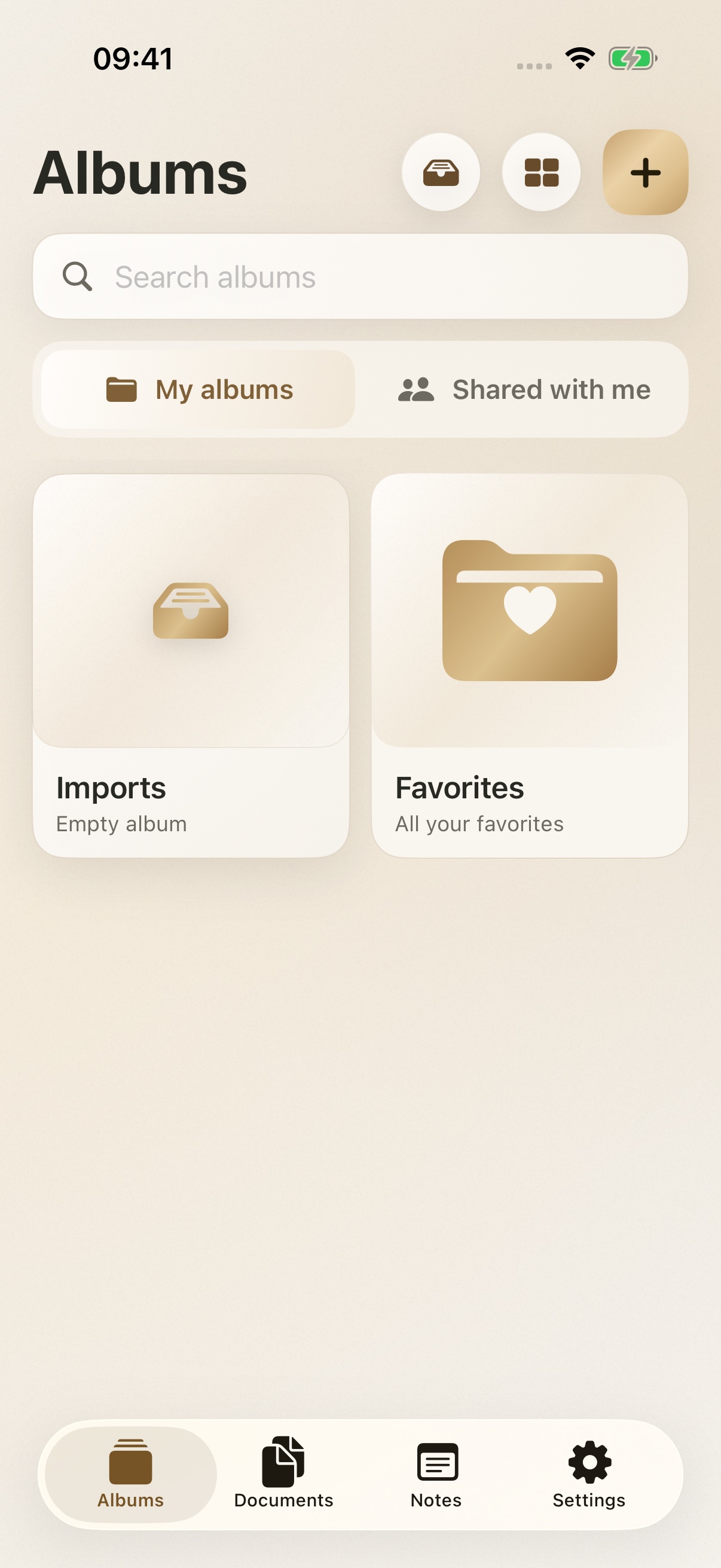
Documents
Contracts, personal documents, confidential projects: keep your private files organised in folders. Previews help you find them.
Each folder remembers its own view. You’ll find the same controls as in Albums.
Read the guide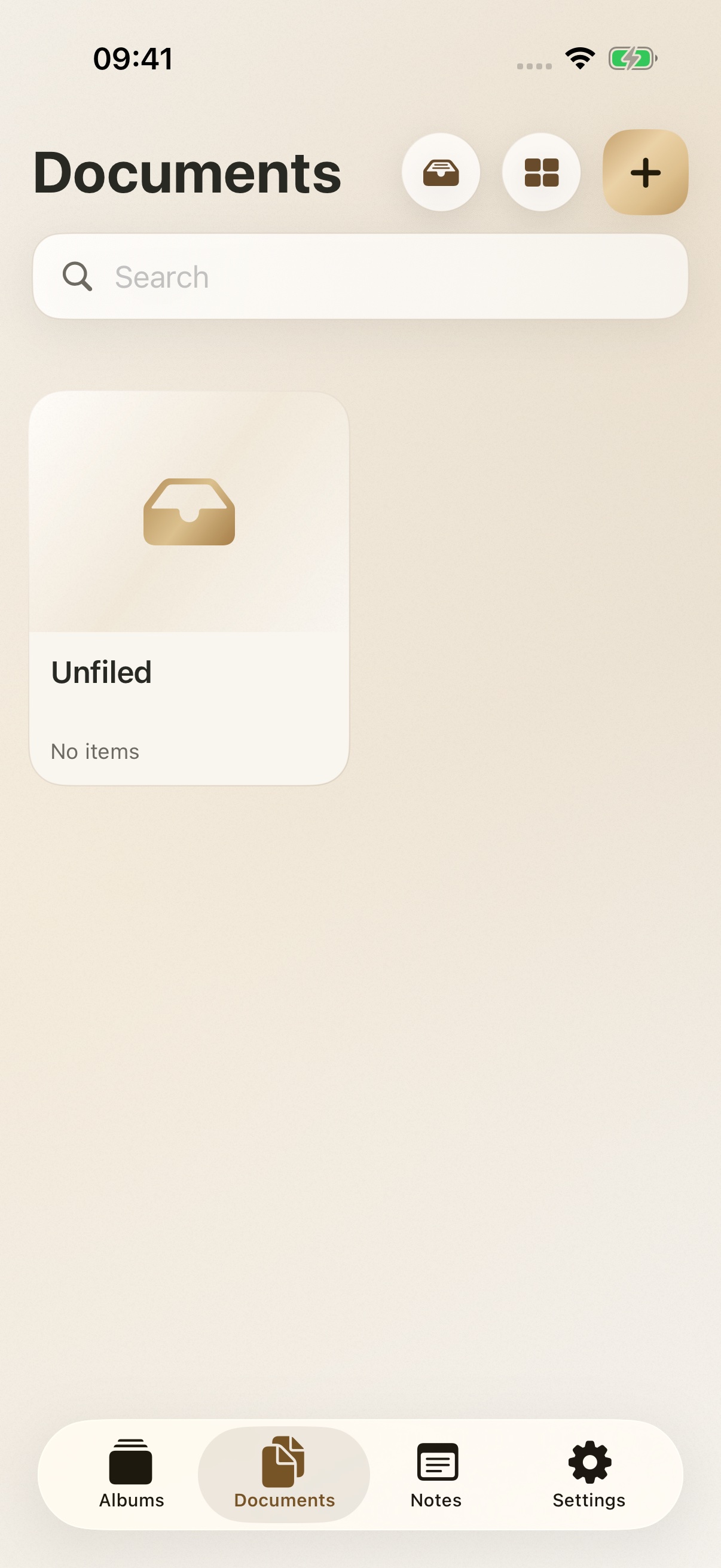
Notes
Notes have their own space, directly accessible from navigation. Organise them in folders to find what you wrote.
Search, views and interactions work the same way as in your documents and albums.
Read the guide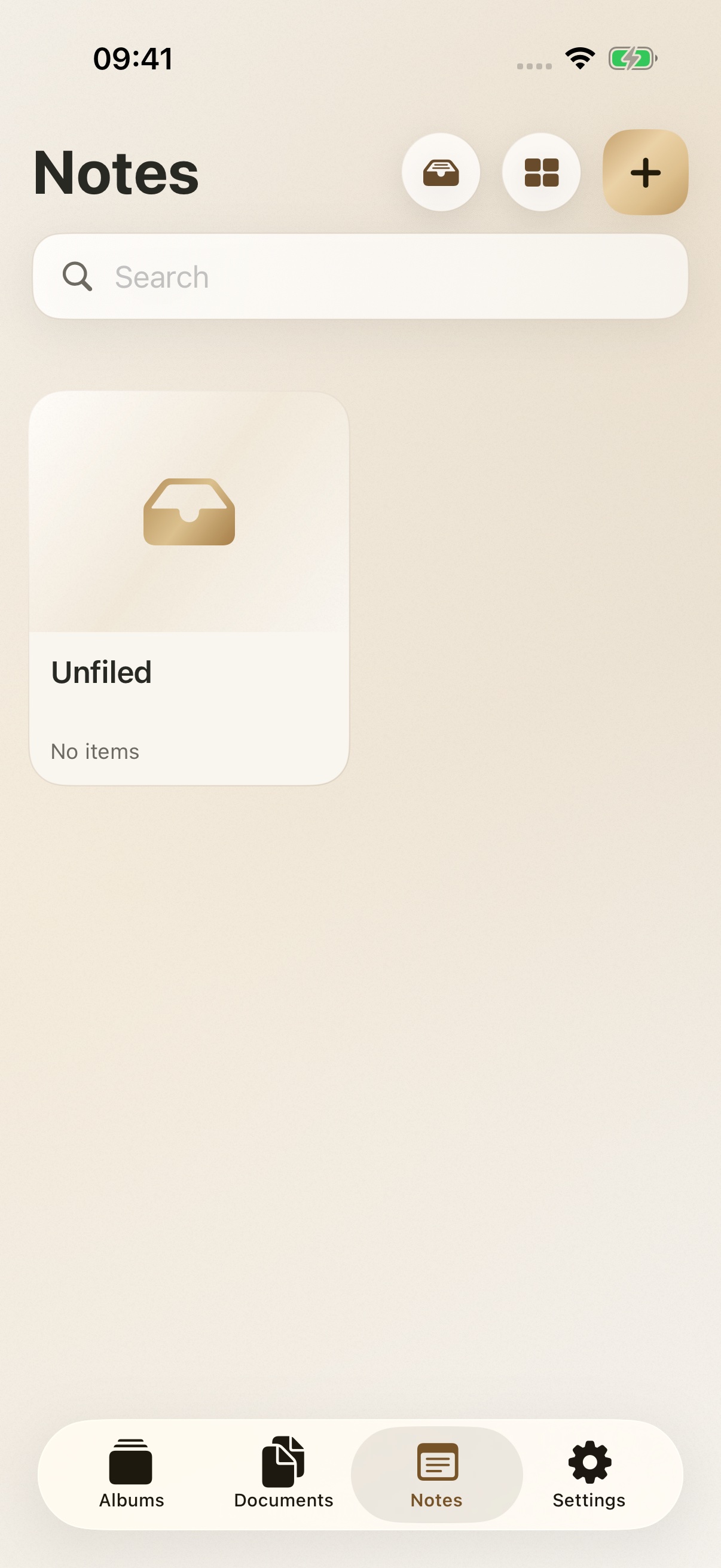
Backups
With Premium or Family, choose an encrypted copy on your device, in your iCloud, or both. A separate status shows the progress of each backup.
Changes trigger an automatic update when enabled. iCloud transfers depend on your connection and what the system allows.
Restoring a personal backup remains available without a subscription.
Read the guide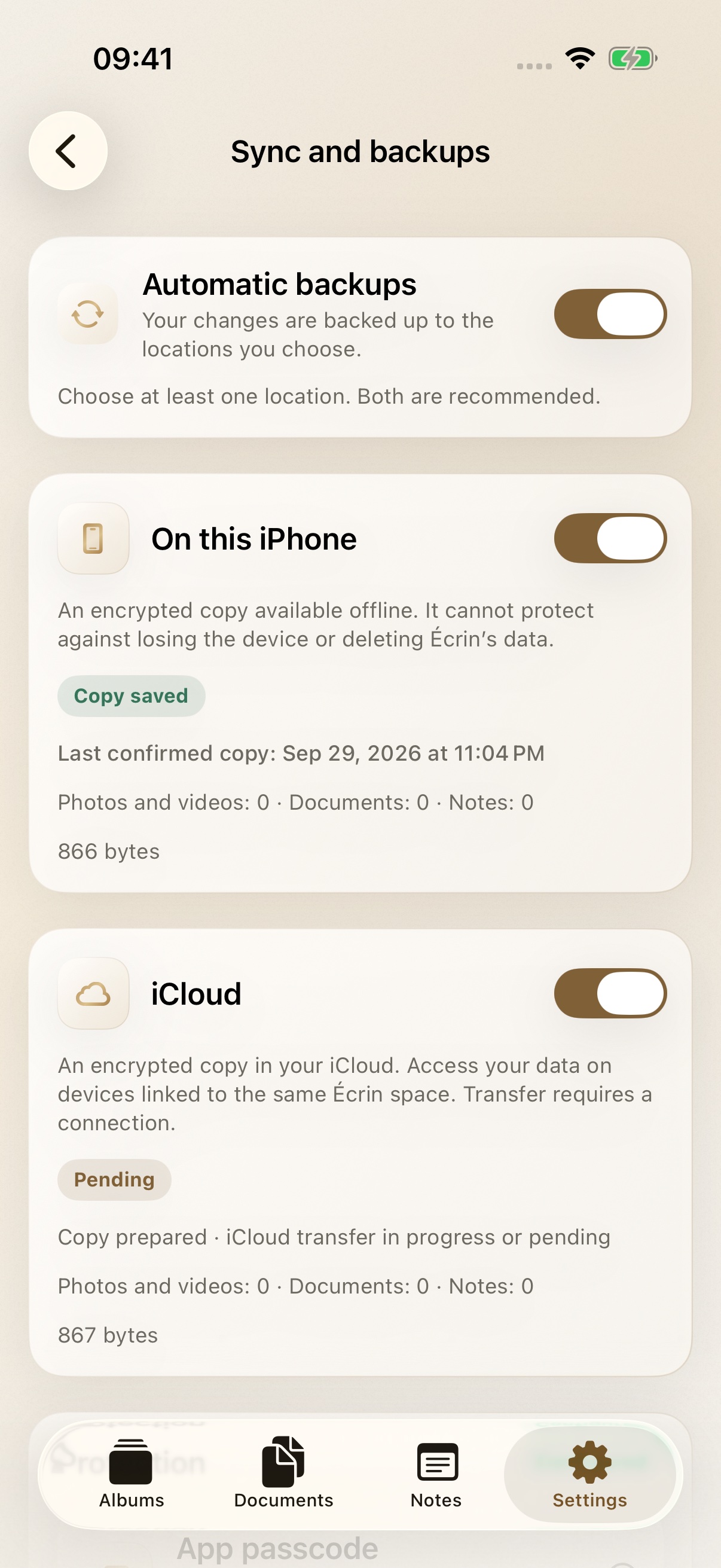
Worksite photos, conversations with colleagues, memories as a couple: one phone can hold several parts of your life. Give your personal content a space of its own in Écrin.
Payslips, identity document copies, bank details: keep your personal documents organised in folders.
A personal matter, account information, a confidential thought: organise your notes in their own folders.
Importing into Écrin does not automatically remove the originals from Photos. You then choose what to keep in your photo library.
Bring photos and videos together in albums, mark favourites and choose a list or thumbnails. On touch devices, a gesture adjusts thumbnail size.
Work photos to find quickly, memories as a couple in a personal album.
Adding to Écrin does not automatically remove originals from Photos.
Sort files into folders and recognise them from their previews. Each folder keeps its own view, with the same approach as your albums.
Payslips, identity copies, bank details or statements: a folder for each subject.
Notes have their own tab and can be filed in folders. Search and view options follow the same controls as documents and albums.
A personal matter, account information or a confidential thought to find without browsing every note.
A passcode protects access to Écrin. Biometrics are optional on compatible devices; Premium and Family add a decoy space and an access-attempt history.
Use quick unlocking if you wish, while keeping a passcode.
With Premium or Family, choose where encrypted backups are stored. The app tracks each copy separately and can update them automatically when you enable that option.
Keep a local copy and separately track confirmation of its iCloud transfer.
iCloud transfers depend on the network and system. Restoring a personal backup remains available without a subscription.
With Premium or Family, invite selected people to the albums you choose to share. ZIP export of your content, with or without a password, remains available without a subscription.
Share party photos while keeping your documents and other albums private.
Family subscription sharing does not automatically share content.
Écrin in action
A few photos to share. Not your whole life.
Personal photos, confidential documents, private notes: discover how to stay in control of what you show.
Staged scenario and fictional content. Real Écrin recordings. Some features shown require Premium or Family.
Add the photos, videos and files you choose.
Organise your albums, documents and notes. Find them with search and your preferred view.
Export your content, or share an album by invitation with Premium or Family.
Private, by choice
You control how your space is protected and which services you enable.
A passcode protects access to Écrin. Biometric unlocking is optional on compatible devices.
With Premium or Family, enable your chosen locations and follow each copy separately. A local copy remains accessible offline; iCloud lets you restore your space on compatible devices.
Choose the albums and authorised people. Sharing an album does not grant access to the rest of your private space.
Export your content as a ZIP archive, with or without a password, to a location you choose. Keep your album and folder structure, original files and available metadata.
Manual and automatic backups, iCloud continuity and shared albums are included in Premium and Family. Personal recovery and export remain available without a subscription. Learn more about your data.
Keep track of access attempts
Review access attempts recorded on your device. You can also enable a photo after a number of incorrect passcodes that you choose.
The photo is optional and requires your permission to use the camera. It is taken while the app is open in the foreground. This feature is included in Premium and Family.
Designed for your devices
Take photos or videos directly in Écrin. Resolution and format choices adapt to your device’s capabilities, remembering the last setting used.
The Gold theme combines warm colours with subtle reflections. Other themes and icon variants let you personalise the app separately.
At your own pace
Choose Free with ads, or Premium or Family without ads. A 14-day free subscription trial is available to eligible users, under the terms shown before purchase.
To get started
Your personal space, with ads
Organise and protect files on your device, without a subscription.
No item limit. Storage depends on the space available on your device. Privacy choices can be reviewed in settings when available.
For you
No ads, with more possibilities
To back up, sync and share your private space.
Monthly or annual plan. Automatic backups are included. Storage depends on the space available on your device and in iCloud.
For your loved ones
All of Premium, for the family
The same features, with Apple Family Sharing.
Monthly or annual plan. Sharing the subscription does not automatically share content.
Prices and applicable terms appear in the app before purchase. Apple manages subscriptions. Understand subscriptions.
Support
Find helpful answers, privacy information and a way to contact the studio.